
AHQ AI Client for macOS
To install AHQ AI Client on macOS few extra steps are needed to install it to ensure it is compatible with apple devices.
Once you download the dmg file for your Mac. (ARM64 for Apple Silicon Chips and x64 for Intel based Macs)
Click on the dmg file and drag the app to the Applications folder. 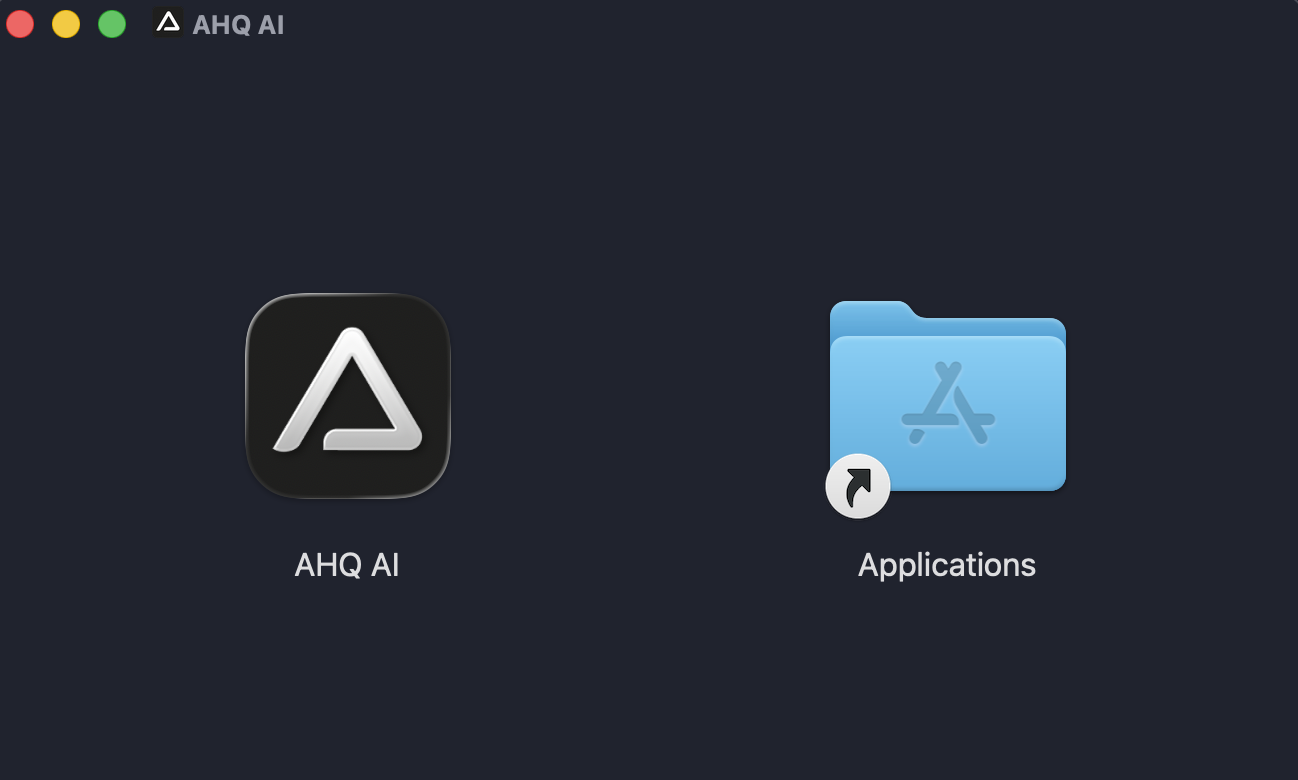
After you install it do not open it as Apple will report the app as damaged unless you do the below steps: Open the terminal app and type the following command:
bash
xattr -cr '/Applications/AHQ AI.app'This will fix the damaged app error and allow the app to run properly!
That is all you will have to do to get it working on macOS. Hope you enjoy AHQ AI.